Car Driving Ai Video Editing Prompt – Friends, you may have noticed that there’s a new trend on social media right now, in which people are editing and sharing videos of themselves doing something. These videos are going viral, and it’s a huge trend. Currently, everyone is creating and sharing this type of video. Creating this type of viral video is quite easy, but many people don’t know the correct method for creating this type of realistic video. Today, I’ll teach you how to create it using AI, which will help you create your own video in the same way. So, friends, if you want to create your own viral AI video, follow this article. In this article, I’ll guide you through the entire process in easy steps, making it easy to create your own video. This process is also going to be quite simple. So, let’s read the article and get the full details.
Details of Car Driving Ai Video Editing Prompt
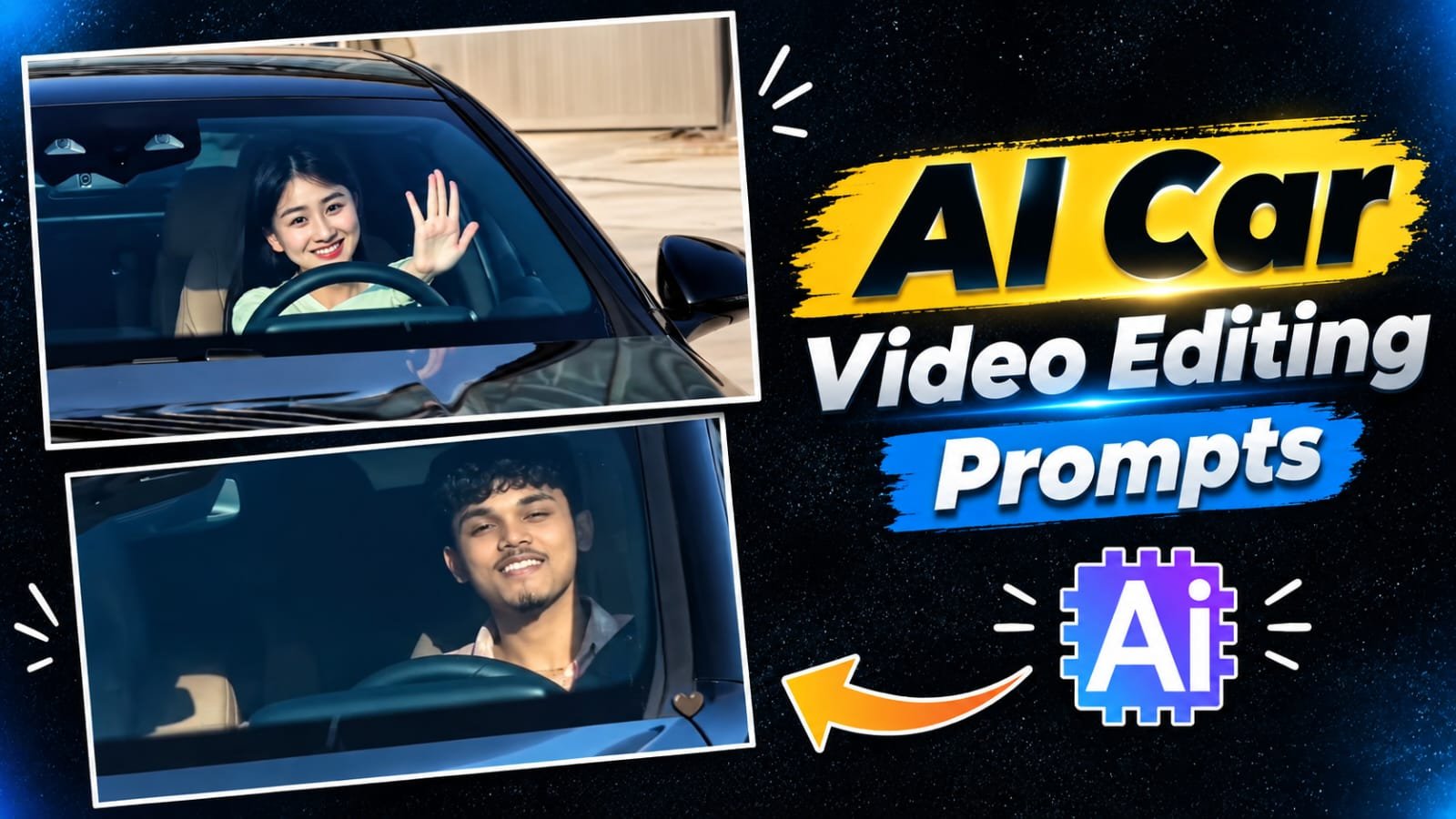
Look, as I told you, we’re going to create a video featuring a car. You’ll see you sitting in a Mercedes car, driving it, and a cinematic shot of your driving has been taken. You’re seen driving the car, then you turn around, and a close-up of your face appears. You’re seen smiling and driving the car. Friends, this scene looks absolutely realistic, like a scene from a movie. But it’s being created with the help of Ai. Everyone is creating their videos with Ai. And you too can create a video with it, in which you’ll be seen driving a Mercedes, and your video will have a very cinematic look. So, friends, I’ll explain the process to you in the following paragraphs. Please read them carefully.
Process Of Creating This Car Ai Video
Look, there are different processes to create this viral video. I’m going to explain the steps that will be easy for you. You can create it through different steps, using different AI tools. Friends, we can easily create this viral video with the help of tools like Google Gemini, Google Flow Ai, and Higgsfield ai. What we’ll need for this is a video prompt and a reference video that’s going viral on social media. In this article, I’m going to provide you with a reference video along with a video prompt and a step-by-step process for creating the video. If you stay with the article, you’ll learn the process and get the prompts that will help you create your car video.
Task: 1:1 in-place subject replacement.Background & Camera Lock: The reference video is the master plate. Do not change, invent, or drift any camera angles, paths, timing, transitions, speed ramping, or car details. Every frame outside the driver must remain identical to the original video.Action & Choreography Lock: The driver's body posture, steering gestures, head rotation, eye direction, and expressions must track the video's original driver 1:1 frame-by-frame.Identity & Outfit Transfer: Replace the driver entirely with the person in the uploaded image. Accurately replicate their exact face, facial features, hair, skin texture, and their exact outfit and clothing visible in the reference image.Integration: Seamless real-camera optical compositing with matching cabin lighting and windshield reflections.
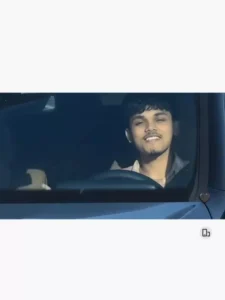
"A continuous, single-take photorealistic cinematic video with NO frame cuts. A young man is actively driving a moving black Mercedes-Benz, viewed from a fixed front-facing camera angle mounted on the hood, looking directly at him through the windshield. He is wearing a light pink plaid shirt, steering with one hand. He looks directly at the camera with a relaxed, happy smile and raises his hand forward to wave directly at the front lens. Bright sunny daytime lighting with realistic reflections on the glass and the outside background environment passing by to indicate driving speed. Smooth continuous motion, 4k resolution, 60fps, 16:9 aspect ratio, ultra-realistic driving."
How To Generate This Car Ai Video?
Friends, the easiest way to create this viral video is through Google Flow AI. You can easily create videos using it. To create a video in Flow AI, you first need to download the reference video provided in the article. Save it and then copy its video prompt. After the video prompt is copied, click on the “Generate Your Video” option. This will take you directly to the Google Flow website. Open it and sign in. Then, click on “New Project.” You’ll see a small plus icon. Click on it. Add a photo and the reference video you just created. Paste the video prompt and generate it. After waiting a few moments, your viral video will be generated and ready, and you can save it.
Second Method Of Creating Video
The second method involves creating a video directly; you can do this using either Google’s tool or Flaw—it works exactly the same way on both. First, go to ‘New Project’ in Flaw, click the plus icon, and upload your reference photo. Next, select the photo by clicking the plus option at the bottom. Then, paste the prompt—this is the second prompt option that allows for direct video generation. Adjust the settings to your liking and hit generate; it will create a viral-ready video for you. Finally, to complete the process, import the video into CapCut, add music, and synchronize it to achieve the perfect result.
Conclusion
So friends, in this way you can easily create this viral car video of yours by following these steps. In this article, I have told you in very easy steps with different processes how you will create this viral car video and this is a hundred percent working process, if you follow it correctly then this car video of yours will be easily made and ready.